MetaTrader 4 for Windows
Efficient, Reliable, and Secure
User Friendliness
Multiple features for advanced traders, and simple enough for newer traders to learn. Customize the platform so you return every time to the same trading setup you are familiar with.
Automated Trading
Access pre-installed Expert Advisors and technical indicators via the renowned MQL4 programming language. Automate your trading strategies for enhanced efficiency and precision.
Hedging Support
Protect your trading with risk management techniques and trade both long and short positions on the same instrument. This enables you to hedge against market volatility and safeguard your trades.
Traditional Timeframes
Benefit from a total of 9 available chart timeframes to work with, ranging from 1 minute to 1 month. Switch between timeframes to effortlessly find your next market opportunity.
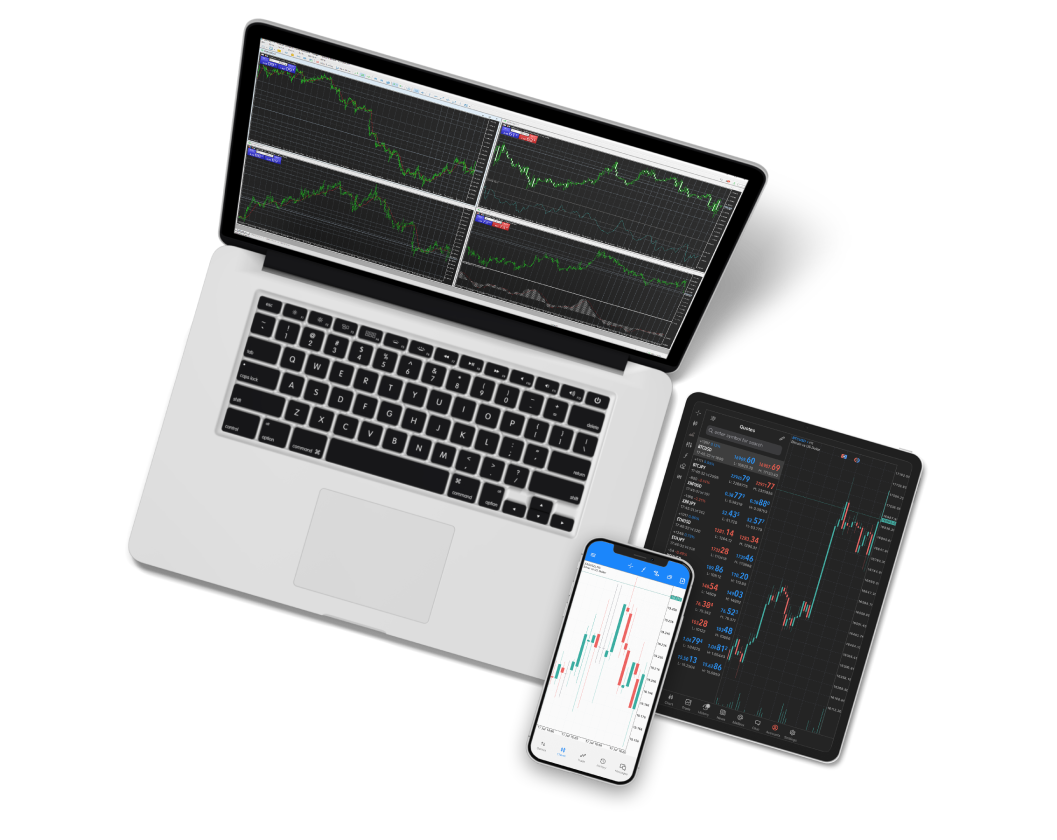
How to start trading with MT4 for Windows
To start trading with MT4 for Windows, follow these steps:
Download MT4
Use the following link to download the MetaTrader 4 (MT4) installation file for Windows.
Install MT4
Once the file is downloaded, open it and follow the installation prompts to complete the setup process.
Launch MT4
After installation, launch MT4, log in with your FXGT account credentials, and you’re ready to start trading.